This page is for a practical shortlist question: if you are already down to Mongo GUI or Compass on macOS, which one better matches your real workflow? It does not try to declare a global winner for every team.
Direct Comparison
Mongo GUI vs MongoDB Compass
Choose Mongo GUI if you want the more Mac-native daily workflow, especially when dense document work, query replay, query auto-completion, document search, exports, dashboards, monitoring, and optional AI with safe snippet verification should live in one product shell.
Choose MongoDB Compass if your priority is using the official free MongoDB GUI and you are comfortable with a cross-platform workflow that centers querying, aggregation, schema analysis, import/export, and natural-language query generation.
This is the most useful split: Compass is the official default; Mongo GUI is the Mac-native specialist for people who care more about desktop feel, responsive browsing, workspace recovery, local secrets, and review-first AI verification.
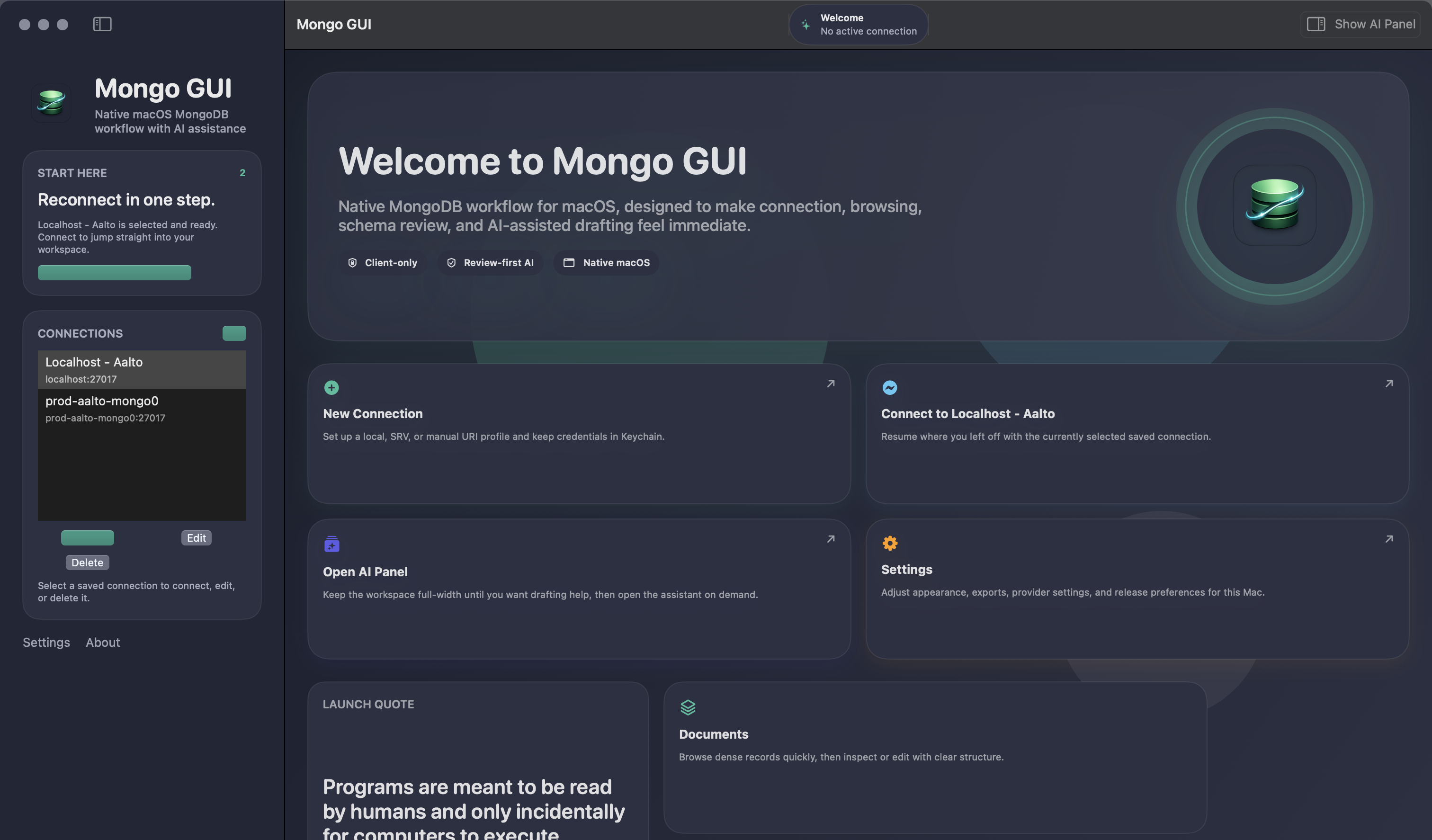
Mongo GUI is the product being promoted, so the page is only useful if it names the specific cases where Compass is still the better call: official tooling preference, free-first adoption, and staying closest to MongoDB’s own product surface.
Side By Side
Mongo GUI and Compass solve different versions of the same problem
| Feature area | Mongo GUI | MongoDB Compass |
|---|---|---|
| Core identity | Independent third-party native macOS MongoDB client designed specifically for desktop-first daily use. | Official free MongoDB GUI built by MongoDB and available across platforms. |
| macOS feel | Swift/SwiftUI shell, Mac-native controls, appearance modes, and keyboard-driven workspace. | Available on macOS, but positioned as a cross-platform GUI rather than a Mac-first desktop experience. |
| Document workflow | Dense table, inspector, pagination, query auto-completion, document search, replay-first query work, batch actions, CSV/JSON export, and copy helpers. | Query bar, aggregation builder, schema analysis, shell access, import/export, and visual explain. |
| Operational depth | Lightweight dashboards, Smart Create, Slow Query Advisor, live watch, and performance-monitoring outcomes in one workspace. | Strong explain-plan and index-analysis tooling, but not a dashboard-style operational overview story. |
| AI workflow | Optional side-panel assistant with user-owned key, concrete drafts, review-first follow-up actions, and paste-to-verify support for AI-generated Mongo snippets. | Official docs describe natural-language query and aggregation generation. |
| AI verification loop | External AI can suggest a mongosh check, then Mongo GUI can review it locally, keep writes gated, and redact copied handoff text when needed. | Compass’ public AI story is centered on generation, not on acting as a verification bridge for external AI workflows. |
| Trust posture | Anonymous analytics only, no cloud sync by default, no silent bulk export, Keychain-backed secrets, and optional sensitive-value redaction before AI handoff. | Compass docs note that natural-language prompts and schema details are processed by Microsoft and OpenAI. |
| Pricing posture | Free during beta. | Free to download and use. |
Choose Mongo GUI if your day is spent browsing documents, refining queries repeatedly, searching dense records, exporting data, tracking operational context, and occasionally using AI without wanting those workflows split across multiple tools or turned into blind database execution.
Choose Compass if official tooling, zero-cost adoption, and staying close to MongoDB’s own docs and product surface matter more than a Mac-native shell.
That is the cleanest way to think about this comparison for most teams.
FAQ
Short answers after the shortlist is down to two tools
These are the questions that normally decide the final choice between Mongo GUI and Compass.
Is Compass still the better answer for teams on a strict budget?
Yes. Compass is free and official, which is still a strong argument if budget and default adoption matter more than workflow feel.
Where does Mongo GUI separate most clearly today?
In the Mac-native shell, repeat-work acceleration through query completion and document search, Slow Query Advisor and integrated operational overview, and the way optional AI stays attached to the real workspace with a local snippet-verification bridge.
Which one should I try first on macOS?
Try Compass first if you want the official baseline. Try Mongo GUI first if what you care about is how the workflow feels after the first five minutes.
Next Step
Compare them on the work you actually repeat.
The right test is not just “can it connect?” It is whether the collection, query, export, monitoring, and AI workflows still feel good after repetition, especially when the connection gets imperfect or the query needs real refinement.