This page treats AI as part of the database workflow, not as a vague marketing badge. The comparison focuses on where the assistant lives, how context is approved, how concrete the outputs are, and what privacy/trust tradeoffs the user is expected to accept.
AI Workflow Comparison
What is the best AI-based MongoDB GUI?
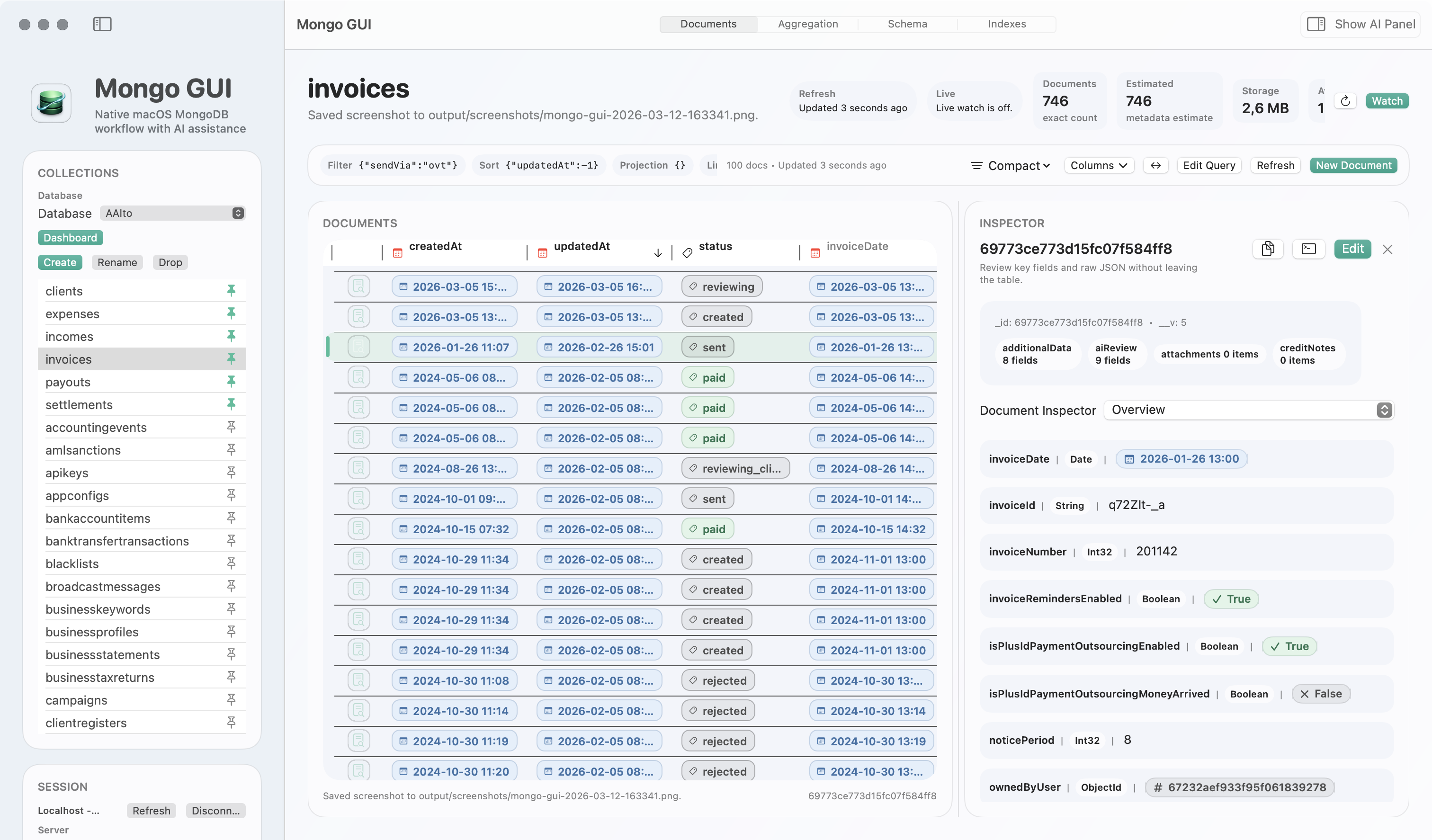
If “AI-based” means the assistant is inside the database workflow, stays review-first, uses a user-owned key, produces concrete query and aggregation drafts, speeds refinement inside a real query workflow, and lets you paste, verify, and safely hand back AI-generated Mongo snippets, Mongo GUI is the best fit.
MongoDB Compass already offers natural-language query and aggregation generation. Generic chat plus a separate GUI can still help with syntax, but it forces more copy-paste, less local verification, and more trust decisions outside the actual MongoDB workspace.
The goal is not to claim that “AI exists” in a product. The useful question is whether the assistant reduces workflow friction without hiding what it is doing or quietly turning your database work into a black box.
Comparison
Three ways people currently do “AI for MongoDB”
| Feature area | Mongo GUI | MongoDB Compass assistant | External chat + separate GUI |
|---|---|---|---|
| Where AI lives | Optional side panel inside the MongoDB workspace. | Natural-language generation inside Compass query and aggregation flows. | Outside the GUI, usually in a browser tab or chat app. |
| How context is handled | User-approved workspace context with a user-owned OpenAI API key. | Compass docs say prompts and schema details are sent to Microsoft and OpenAI for processing. | Context is manually copied out of the GUI and pasted into a separate tool. |
| Output quality | Concrete drafts for queries, aggregations, and updates, plus one-click follow-up refinement actions inside a workflow that also supports query completion, nearby document context, and snippet handoff. | Natural-language query and aggregation generation are the current official AI focus. | Can generate ideas, but usually requires manual translation back into the GUI and more iteration friction. |
| AI-to-database bridge | Paste `find`, `findOne`, `aggregate`, or read-only analysis snippets from AI, review them locally, and copy redacted results back when needed. | Official AI focuses on natural-language generation inside Compass rather than a paste-to-verify bridge for external agents. | Usually just raw copy-paste between products, with no integrated verification or redacted handoff. |
| Workflow friction | Low context-switching because the assistant stays beside the data, query builder, document workflow, and snippet verification path. | Lower friction than external chat, but AI is still scoped to Compass’ workflow model. | Highest friction because the assistant and database client live in separate products. |
| Privacy and trust posture | Review-first, no silent bulk export, anonymous analytics only, no cloud sync by default, plus optional sensitive-value redaction before copying results back to AI. | Official docs explicitly describe prompt/schema processing and note that the feature is experimental. | Varies by tool and team habits; privacy controls are fragmented across multiple products. |
| Best fit | People who want AI inside the MongoDB workflow without giving up control. | People who already prefer Compass and want official natural-language query generation. | People who only need occasional syntax help and do not mind heavy copy-paste. |
Mongo GUI treats AI as a side-panel assistant attached to real collection and query work, where completion, nearby document context, explicit follow-up actions, and paste-to-verify Mongo snippets reduce refinement friction without normalizing blind execution.
Compass makes sense when you already want the official GUI and natural-language query generation is enough for your workflow.
External chat can still help with syntax, but it usually pushes the real work back into manual copy-paste, manual verification, and ad hoc privacy judgment.
Mongo GUI
Keep AI one click away, not permanently in your face
The database stays primary and the assistant stays on-demand, explicit, and attached to the current workflow.
Review-first
Mongo GUI
Concrete outputs matter more than generic chat polish
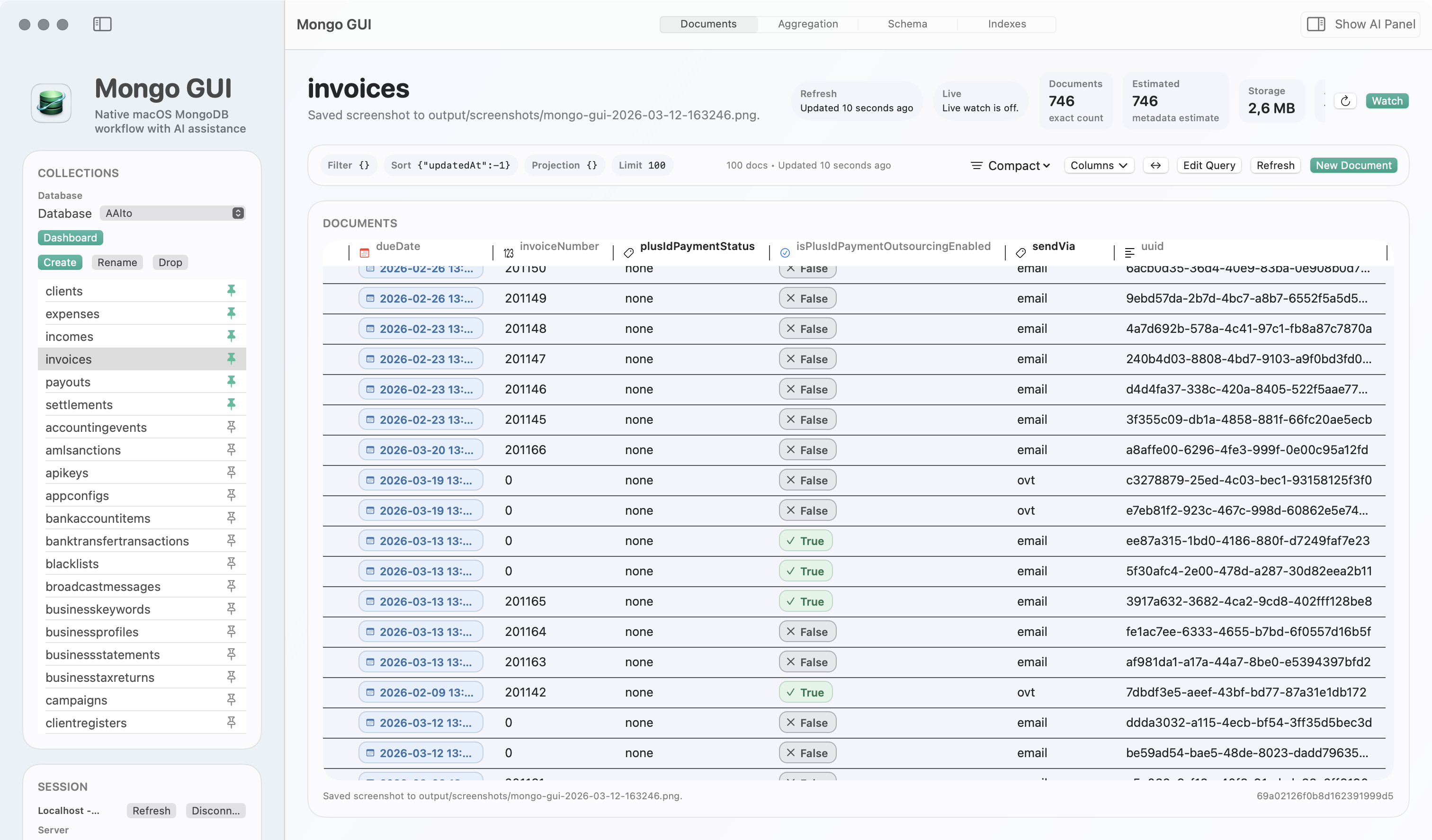
Query drafts, aggregation help, snippet import, follow-up actions, and completion-driven refinement are most useful when they stay near the data instead of in a disconnected assistant.
Concrete drafts
FAQ
Short answers to the obvious AI questions
These are the questions that usually appear after someone asks for the best AI-based MongoDB GUI.
Does MongoDB Compass have AI features?
Yes. MongoDB’s official docs describe natural-language query and aggregation generation inside Compass.
What makes Mongo GUI different from “AI plus another GUI”?
The assistant is part of the GUI itself, uses explicit context, stays review-first, and also lets you paste AI-generated Mongo snippets for local verification instead of adding more disconnected copy-paste.
What if I just want the official MongoDB tool with some AI help?
Then MongoDB Compass is the better starting point. If you want a more Mac-native workflow and tighter AI-to-database interaction, Mongo GUI is stronger.
Next Step
Test whether the AI stays useful when the work gets real.
The right benchmark is not “can it generate one query?” The right benchmark is whether the assistant still feels controlled, nearby, and worth using after twenty minutes of real MongoDB work with real query cleanup, snippet verification, refinement, and safe result handoff.